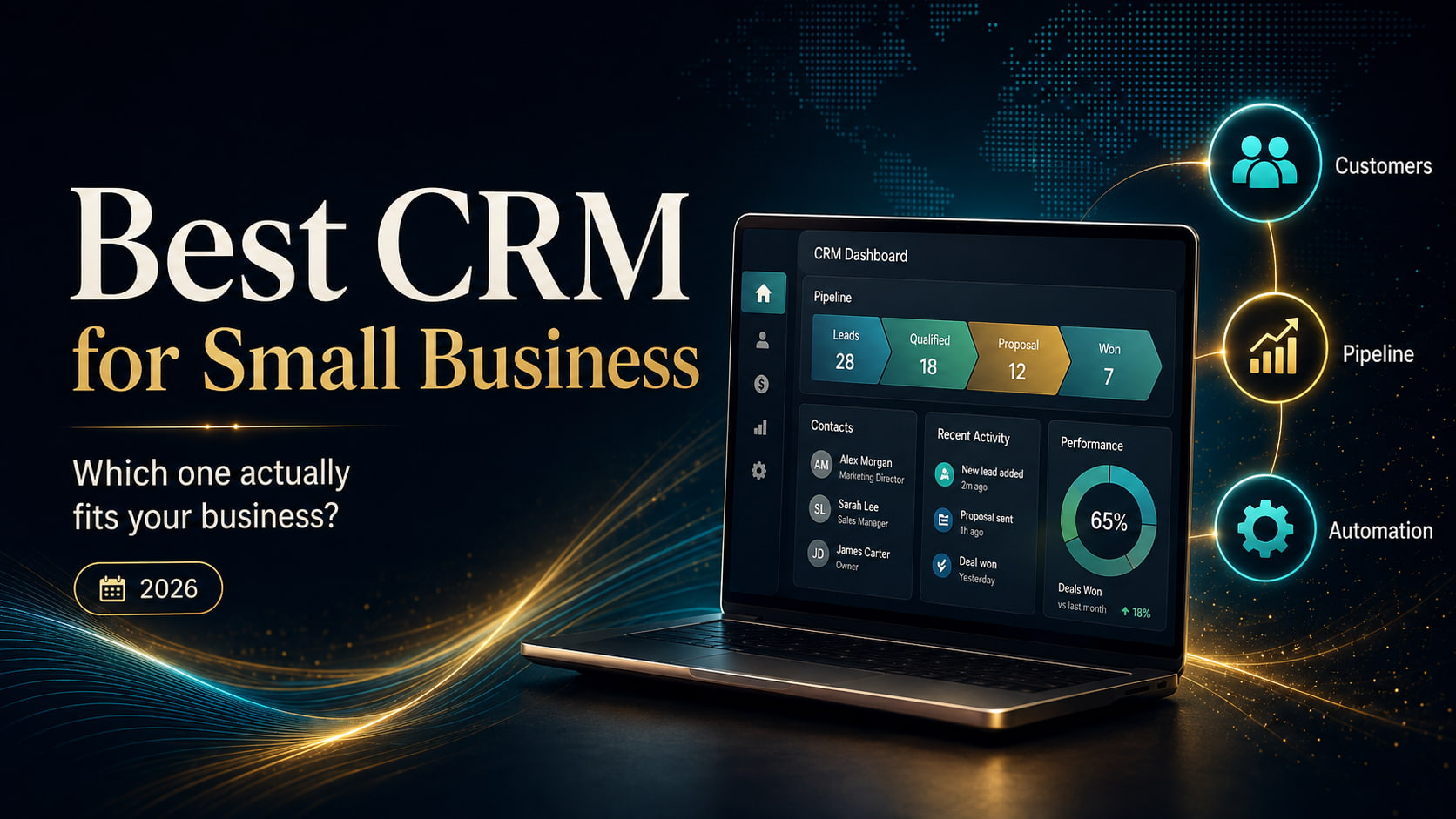
Best CRM for small business in 2026 comparison.
A customer sends an enquiry.
Someone replies.
A follow-up is supposed to happen on Thursday.
The prospect asks for a quotation two weeks later, but the person who originally spoke to them is away. Their colleague searches through email, WhatsApp, a spreadsheet and perhaps a notebook trying to reconstruct what happened.
Another lead has already gone cold because nobody realized a follow-up was overdue.
At some point, a growing business realizes that remembering customers is no longer the same thing as managing them.
A CRM—customer relationship management system—is supposed to solve that problem.
But choosing one introduces another.
Search for the best CRM for a small business and the same names appear repeatedly: HubSpot, Salesforce, Zoho, Pipedrive, monday, Freshsales and dozens of alternatives. Each promises better organization, more automation, improved follow-up and stronger sales.
Some start almost free.
Others can cost thousands of dollars a year.
Some are deliberately simple. Others can eventually run extraordinarily complicated customer operations.
So which one should a small business actually choose?
That is the question we set out to answer.
And to answer it properly, we first had to stop treating every small business as though it works the same way.
When spreadsheets stop working
There is nothing inherently wrong with managing customers in a spreadsheet.
For a new business with five prospects and one person handling every sale, a CRM may add more administration than value.
The problem appears when the business becomes harder to hold inside one person’s head.
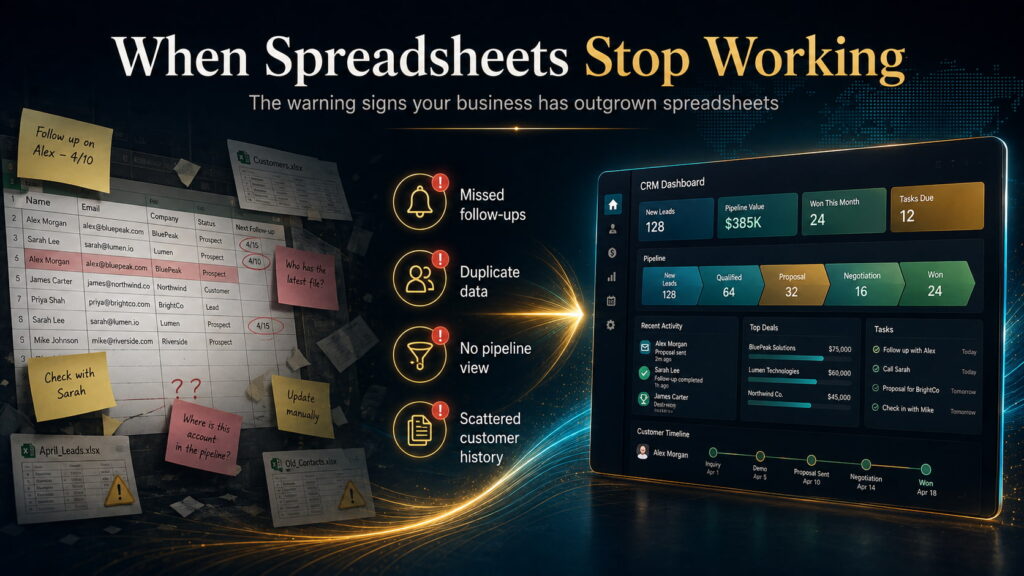
Leads arrive from several sources. Multiple employees speak to customers. Quotes need following up. Deals sit at different stages. Previous conversations matter. Management wants to know what is likely to close next month. Nobody is quite certain whether a prospect was forgotten or deliberately abandoned.
The spreadsheet still contains information, but it no longer reliably controls the process.
That is the point at which a CRM starts earning its place.
A useful CRM should answer basic operational questions quickly: Who are we talking to? What has happened so far? What needs to happen next? Who is responsible? Which opportunities are progressing? Which ones are stuck? What is likely to convert?
Once those questions become difficult to answer, the business has a customer-management problem rather than merely a data-storage problem.
And that distinction matters when choosing software.
What are we actually trying to find?
The obvious question is:
Which CRM has the most features for the lowest price?
We think that is the wrong question.
A CRM can have extraordinary automation, artificial intelligence, forecasting and customization—and still fail if employees find it irritating enough that they stop updating it.
Another system may be extremely easy to use but become restrictive six months later.
A third may appear inexpensive at $9 or $14 per user, only for the functionality the business actually needs to sit behind a $39, $90 or $100 plan.
So our research question became more specific:
Which CRM gives a small business the best fit for the way it currently sells, at a realistic operating cost, without creating unnecessary complexity or an obvious problem as the business grows?
That requires more than comparing features.
We looked at the current product structure and pricing of Bigin, Freshsales, Pipedrive, Zoho CRM, HubSpot, Salesforce, Attio, monday CRM and Close. We checked vendor documentation for plan limits and capabilities, then compared those claims with independent reviews and substantial user-feedback datasets to identify recurring patterns around usability, limitations, administration and cost.
We also screened additional products before narrowing the main comparison.
This is therefore a research comparison—not a claim that we installed nine CRMs into nine identical businesses and ran them for a year.
Prices were checked in August 2026 and primarily use annual-billing rates in US dollars where available. Pricing, promotions and regional terms can change.
What should a good CRM actually do?
Before discussing brands, it helps to strip CRM software back to its purpose.
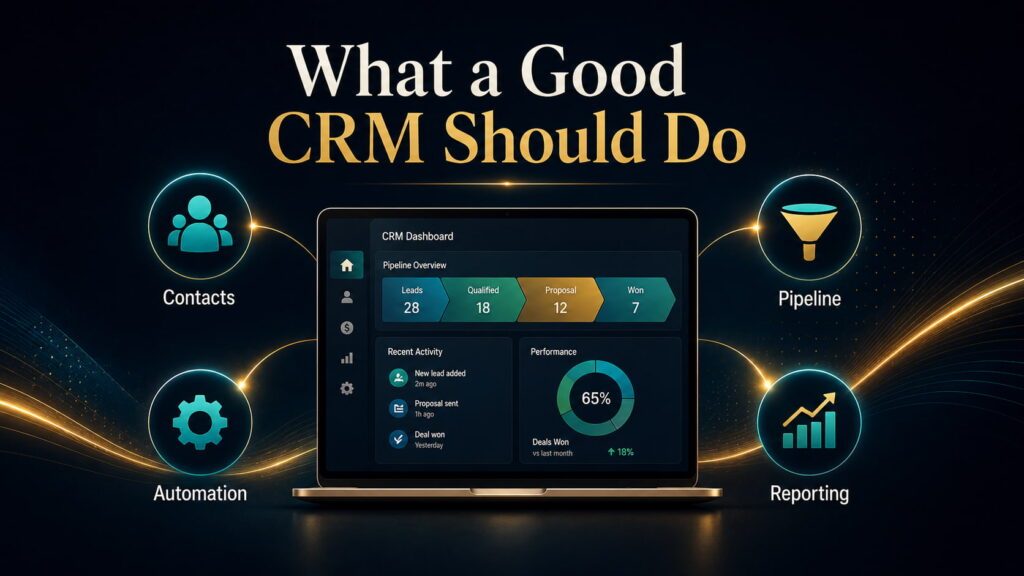
A small business normally needs four things from it.
It needs to organize customers and prospects so information is not fragmented across inboxes and employees.
It needs to manage a pipeline so the business can see where opportunities are and what should happen next.
It needs to reduce repetitive work through reminders, workflows, sequences or other useful automation.
And it needs to make performance visible so decisions are based on what is happening rather than what everybody thinks is happening.
Everything beyond that can be valuable—but only if the business actually needs it.
This is where many CRM purchases go wrong.
Companies buy for the future version of themselves rather than the company they currently operate. They choose the platform with the longest feature list, spend weeks configuring it and then discover that their five-person team mainly wanted a reliable way to track leads and follow-ups.
The opposite mistake also happens: a business chooses something deliberately basic because it is cheap and discovers shortly afterward that reporting, automation or customization has become too restrictive.
The best CRM therefore sits somewhere between what you need today and what you can realistically expect to need next.
The starting price is often the wrong number
CRM pricing looks straightforward until you inspect what each plan actually contains.
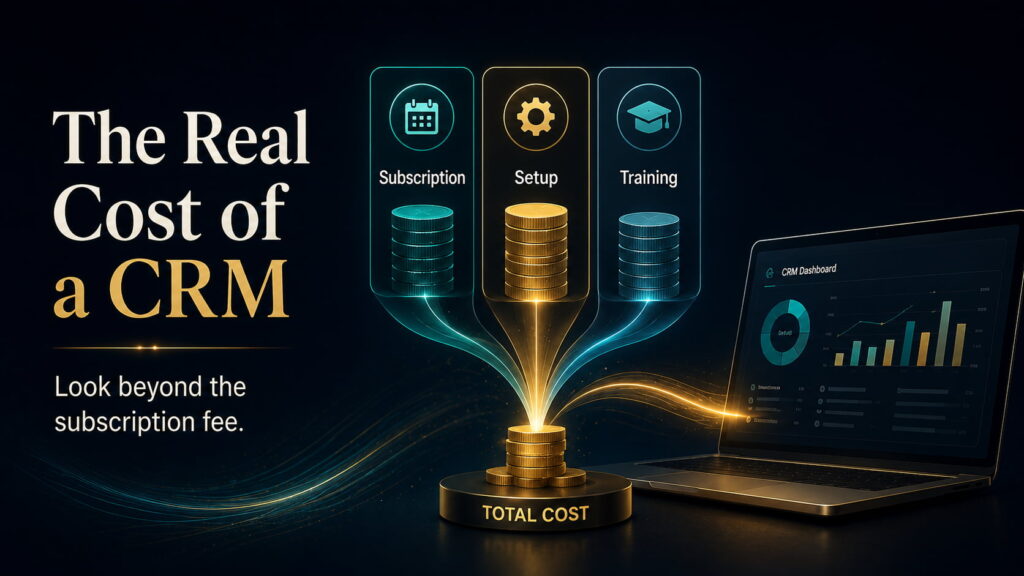
Pipedrive, for example, starts at $14 per user per month annually. But its $39 Growth plan is where full email synchronization, automations, nurturing sequences, forecasting and meeting scheduling appear. Premium costs $59 and Ultimate $79. Pipedrive also has add-ons and usage top-ups depending on the plan.
Freshsales takes a different approach. Its $9 Growth plan already includes chat, email, phone, custom fields and basic workflows. Pro costs $39 and adds functions such as scoring, sales sequences and deeper sales controls.
Close illustrates the problem even more clearly. Its Solo plan is $9 annually and Essentials $35, but automated workflows and the Power Dialer arrive at the $99 Growth level. Calling and SMS are usage-based as well.
HubSpot has an easy entry point, but Sales Hub Professional currently starts at $90 per sales seat per month annually, plus a required $1,500 one-time onboarding fee. HubSpot Credits can create additional usage costs.
None of this means those higher-priced plans are bad value.
It means the useful comparison is not:
“What does this CRM start at?”
It is:
“What will the version that solves my problem actually cost?”
What five users can cost
To make that difference visible, consider a hypothetical five-user business.
This is not a cheapest-to-most-expensive ranking. We selected a plan that reasonably represents the use case for which each CRM becomes interesting in this comparison.
| CRM | Illustrative tier | Approx. annual subscription for 5 users |
|---|---|---|
| Bigin | Express — $7 | $420 |
| Freshsales | Growth — $9 | $540 |
| monday CRM | Standard — $17 | $1,020 |
| Zoho CRM | Professional — $23 | $1,380 |
| Attio | Plus — $35 | $2,100 |
| Pipedrive | Growth — $39 | $2,340 |
| Close | Growth — $99 | $5,940 + usage |
| Salesforce | Pro Suite — $100 | $6,000 |
| HubSpot | Sales Hub Professional — $90 + onboarding | $6,900 first year |
Bigin currently lists Express at $7 annually, Zoho CRM Professional at $23, Attio Plus at $35, monday CRM Standard at $17, Salesforce Pro Suite at $100, and the other prices follow the current official pricing above.
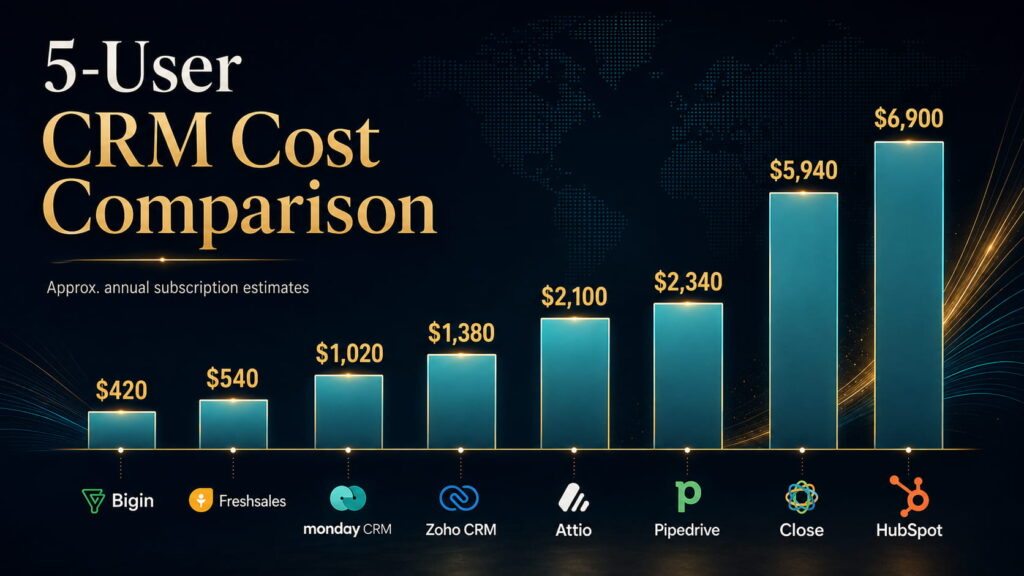
But this table still does not represent true total ownership cost.
Implementation, staff training, administration, additional integrations, telephony, marketing contacts, AI credits, data migration and optional add-ons can change the economics substantially.
A $23 CRM that requires considerably more administration may be more expensive to operate than a $39 CRM your team understands immediately.
That brings us to the individual products.
Bigin: how simple can a CRM remain before simplicity becomes a limitation?
Bigin is Zoho’s deliberately simplified CRM.
That matters.
Its $7 Express plan includes multiple pipelines, email and WhatsApp integration, dashboards, automation and a broad range of integrations. Premier costs $12 and expands records, automation and more advanced controls.
The attraction is not merely the price.
Bigin is designed around the idea that a small company should be able to start managing customers without first designing a complicated CRM architecture.
That position is supported by a substantial user base. G2’s current review set contains roughly 800 Bigin reviews, with simplicity, ease of use and intuitive setup recurring prominently; limitations in advanced features, customization and integrations also appear repeatedly.
That trade-off makes sense.
A two-person business leaving spreadsheets may gain more from a CRM it can configure this afternoon than from one capable of supporting a multinational sales organization.
The question is whether the company is likely to outgrow that simplicity quickly.
Best fit: a microbusiness or very small team buying its first serious CRM.
Main risk: choosing it when sophisticated reporting, customization or automation is already required.
Our assessment: Bigin is the strongest first-CRM option in this comparison.
Freshsales: how much useful CRM can $9 actually buy?
Freshsales was one of the more interesting results because its lowest paid tier is not merely an entry shell.
At $9 per user per month annually, Growth includes contact lifecycle management, chat, email, phone, custom fields and basic workflows. Pro costs $39 and introduces scoring, deal insights, territory management and sales sequences.
That gives a small sales team meaningful functionality before pricing becomes substantial.
Its user evidence also reinforces the positioning. G2 currently shows more than 1,200 reviews, with usability, setup and automation recurring positively, while advanced reporting and missing higher-level capabilities appear among repeated limitations.
Freshsales therefore presents a difficult challenge to more famous CRM brands.
A small company may simply not need to pay significantly more for its first useful automation and communications stack.
The trade-off appears later, when requirements become more sophisticated.
Best fit: a small sales team that wants meaningful automation and communications without a large software bill.
Main risk: assuming the inexpensive Growth plan will also satisfy unusually advanced reporting or customization requirements.
Our assessment: Freshsales offers the strongest paid value for a typical small sales team.
Pipedrive: does focus beat breadth?
Pipedrive approaches the problem differently.
It is fundamentally a sales CRM, and much of its appeal comes from not pretending otherwise.
The visual pipeline, activities, next actions and deal movement are central. Growth, at $39 per user annually, adds the email synchronization, automations and sequences that make it a much stronger day-to-day sales system.
That focused architecture has an important operational consequence: adoption.
G2’s current dataset includes more than 3,000 Pipedrive reviews. Ease of use, intuitive operation and simplicity occur repeatedly among the positive themes; advanced-feature limitations and price are recurring concerns.
That is not incidental.
A CRM only becomes useful when employees consistently record activity, update deals and trust the data inside it.
A feature-rich system that salespeople avoid can be economically worse than a narrower system they reliably use.
Where Pipedrive becomes less convincing is outside the sales process. Broader marketing, project delivery and other functions can require add-ons or separate systems. Projects, for example, remains an add-on on Lite and Growth while being included at Premium and Ultimate.
Best fit: a conventional sales-led small business that values pipeline clarity and adoption.
Main risk: expecting the CRM to become an all-in-one operating system for marketing, support and delivery.
Our assessment: Pipedrive is the strongest default sales-first CRM in the group.
Zoho CRM: when does capability become complexity?
Zoho CRM takes almost the opposite approach.
Its pricing remains aggressive while offering a very broad capability surface.
Standard is currently $14 per user per month annually, Professional $23, Enterprise $40 and Ultimate $52. Professional and the higher tiers progressively add deeper process management, automation and customization.
For a company willing to configure its CRM carefully, that is difficult to ignore.
The potential hidden cost is not necessarily another subscription.
It is time.
More configurable systems require decisions: fields, stages, rules, permissions, automation logic, reporting structures and responsibility for maintaining all of it.
That is why two companies can have completely different experiences with the same CRM. One uses a straightforward setup and finds Zoho economical and powerful. Another attempts to exploit every possibility and creates an administration burden.
Best fit: a cost-conscious growing company that genuinely needs greater customization and automation.
Main risk: buying the features because they are available rather than because somebody has a clear plan for operating them.
Our assessment: Zoho CRM provides the strongest capability-per-dollar among the more configurable traditional CRMs.
HubSpot: are you buying a CRM or building a growth platform?
HubSpot becomes easier to understand when it is not judged purely as a sales pipeline.
Its advantage is the relationship between CRM, marketing, content, forms, customer service and the wider customer journey.
For an inbound-led business, that can matter enormously.
A visitor discovers an article, completes a form, enters the CRM, receives marketing communication, books a meeting and eventually becomes a sales opportunity. Keeping those interactions inside a connected platform can be more valuable than choosing the cheapest standalone sales CRM.
The difficulty is the cost curve.
Professional currently starts at $90 per sales seat per month annually and requires $1,500 in onboarding. Enterprise begins at $150. HubSpot is also increasingly using credits for AI-driven capabilities.
The mistake would therefore be evaluating HubSpot only from its free or Starter experience.
A business considering it should model the version it could plausibly need in 12–24 months.
Best fit: a company where inbound marketing and sales are genuinely connected.
Main risk: adopting the ecosystem cheaply and discovering later that the functionality that justified the platform sits behind a much more expensive tier.
Our assessment: HubSpot is the strongest option here for an inbound-led sales-and-marketing operation, not the default recommendation for every small business.
Salesforce: is enterprise-level runway now relevant to small businesses?
Salesforce used to be easy to dismiss from a small-business comparison.
That is no longer sensible.
Starter Suite now costs $25 per user per month and includes lead, account, contact and opportunity management, lead routing, sales flows and email-related functionality. Pro Suite costs $100 annually and adds significantly greater customization, automation, quoting and forecasting.
That creates a genuine entry path for smaller companies that expect their operating complexity to increase.
But the fundamental Salesforce trade-off has not disappeared.
Its value rises as the company needs more customization, integrations, controls and process depth.
If those needs never materialize, the same flexibility can become unnecessary complexity.
There is little value in buying a system capable of supporting tomorrow’s 100-person revenue operation when today’s six-person team cannot comfortably maintain it.
Best fit: a growing company with credible—not hypothetical—reasons to expect substantial process and integration complexity.
Main risk: paying today’s complexity cost for future requirements that may never exist.
Our assessment: Salesforce provides the greatest long-term extensibility in this comparison.
Attio: what if a normal CRM structure is the problem?
Traditional CRMs generally assume that customer relationships can be organized around familiar objects such as contacts, companies and deals.
That works for many businesses.
It does not work equally well for all of them.
Attio’s attraction is its more flexible data model and modern approach to structuring relationships.
Its Free plan supports up to three seats. Plus costs $35 per user per month annually and Pro $79. The higher tiers expand objects, reporting, permissions, sequences and automation, while Attio also uses seat and workspace credits for parts of its AI and automation system.
That makes it particularly interesting for startups, partnership-led organizations and companies with relationship structures that do not naturally fit a classic pipeline.
But flexibility only has value when the business needs flexibility.
Choosing Attio because it looks modern is not a business case.
Best fit: a startup or organization with unconventional relationship structures or multiple go-to-market motions.
Main risk: paying for structural flexibility when a conventional sales CRM would be simpler.
Our assessment: Attio is the strongest modern flexible CRM in the group, although its evidence base is younger than the established platforms.
monday CRM: should CRM and operations live together?
Some businesses do not really have a CRM problem in isolation.
They have a workflow problem.
A deal is sold and then becomes a project. Tasks need assigning. Work moves across departments. The boundary between customer management and operational management is less clear.
That is where monday CRM becomes interesting.
Its Basic plan currently costs $12 per seat monthly on annual billing, Standard $17 and Pro $28, with plans beginning at three seats. Standard includes centralized communications and 250 custom automations per month, while Pro significantly expands automation capacity and sales functionality.
Its strength is configurability.
Its weakness comes from the same place.
A highly flexible environment allows a company to shape the system around its process, but somebody first has to decide what that process should be.
Best fit: businesses wanting CRM and broader workflow management in a configurable environment.
Main risk: overbuilding something the sales team finds harder to use than a conventional CRM.
Our assessment: monday CRM is the strongest CRM/work-management hybrid in the comparison.
Close: what if selling is mostly outbound communication?
Close is easier to judge because its intended use is unusually clear.
It is designed around sales teams that spend a large part of the day contacting prospects.
Email, calling and SMS sit directly inside the CRM.
Essentials costs $35 per user per month annually and includes those communication tools. Growth costs $99 and adds automated workflows, Power Dialer, bulk email and additional AI capacity. Calling and SMS remain usage-based.
That creates an important pricing lesson.
For a business that rarely makes outbound calls, Close at $99 can look expensive.
For an outbound team replacing several communication and automation tools, comparing that $99 only with a cheaper CRM seat is misleading.
The value depends on whether the business actually operates the way Close expects it to.
Best fit: a calling-, email- and SMS-heavy outbound sales organization.
Main risk: buying a communications-first platform when outbound communication is not central to the sales model.
Our assessment: Close is the clearest specialist winner for outbound sales.
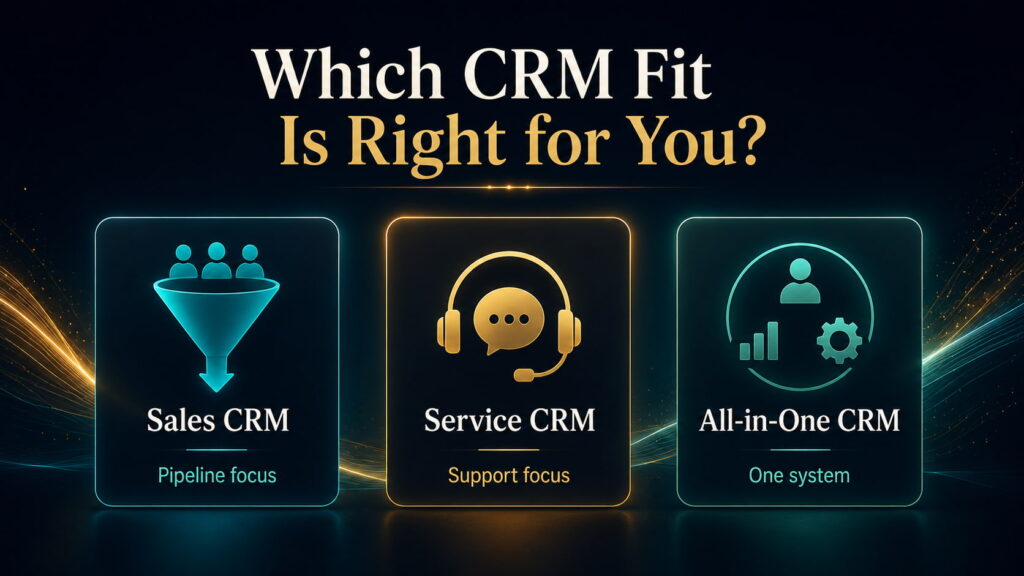
Start with how you sell
After comparing the products, the decision becomes much simpler when the software names are temporarily removed.
If your business is moving out of spreadsheets and needs basic discipline without a large learning curve, start by investigating Bigin.
If you have a small sales team and price matters heavily, Freshsales deserves serious attention.
If the central requirement is a focused sales pipeline that representatives are likely to adopt quickly, Pipedrive is the stronger starting point.
If you want extensive capability without enterprise-level pricing and are prepared to configure the system, investigate Zoho CRM.
If customers are primarily generated through inbound marketing and you want marketing and sales tightly connected, HubSpot becomes much more compelling.
If your organization genuinely expects complex processes and deep integrations, Salesforce becomes a rational candidate rather than automatic overkill.
If a traditional CRM data model feels restrictive, examine Attio.
If the customer journey needs to connect directly with flexible operational workflows, monday CRM deserves consideration.
And if the sales process revolves around frequent outbound calling, email and SMS, Close should be high on the shortlist.
Only after identifying that operating model should a business begin comparing individual feature checklists.
Choosing the CRM is only part of the job
A good CRM can still fail badly.
The usual failure is not that the database stops functioning.
The business implements too much too quickly, imports poor-quality data, gives nobody clear ownership of the system, creates unnecessary fields and stages, and then wonders why employees return to spreadsheets and private notes.
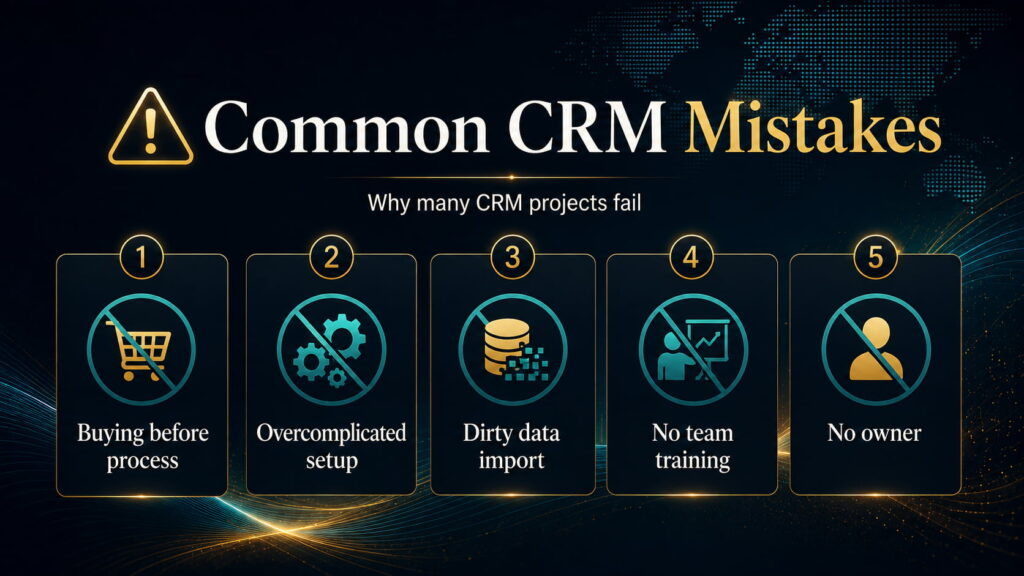
Implementation should begin with the business process, not the software.
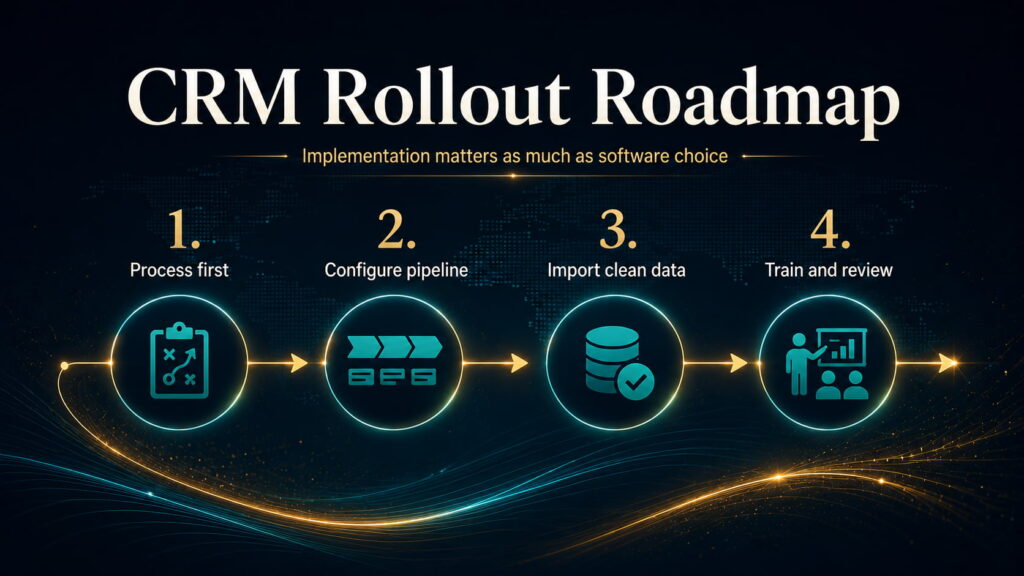
Define how a lead becomes a customer.
Clean the information being imported.
Build only the pipeline and automation needed to support that process.
Give responsibility for the CRM to someone.
Then train the people expected to use it and watch where adoption breaks.
The goal is not to create an impressive CRM.
The goal is to create a reliable operating habit.
What CRM comparisons often leave out
Subscription cost is only the visible part of CRM economics.
The more useful equation is:
subscription + add-ons + communications + AI/automation usage + implementation + training + administration + integrations + migration risk = real operating cost
The proportions vary enormously.
HubSpot has explicit onboarding costs at Professional and Enterprise. Close charges separately for telephony and SMS usage. Attio has an additional credit economy. Pipedrive can involve add-ons and top-ups. monday has automation limits by tier.
There is another cost that rarely appears on a pricing page:
poor adoption.
If half the team stops entering activities, managers stop trusting the pipeline.
Once managers stop trusting the CRM, they request spreadsheets and manual reports.
The organization then pays for the CRM while recreating the system it was supposed to replace.
Ease of use is therefore not merely aesthetic.
It can have direct financial value.
Other CRMs worth knowing about
Our wider screening did not begin with nine products.
Platforms including Vtiger, Flowlu and Salesmate also deserve attention for particular businesses.
Vtiger is especially interesting where CRM needs to sit closer to help desk, campaigns and inventory-related operations.
Flowlu can make sense for service businesses where the customer journey moves from sale into project delivery, time tracking and billing.
Salesmate remains a credible sales and communications alternative.
They did not displace the main candidates strongly enough across our chosen use cases to justify turning this into a 15-product catalogue.
The objective is not to mention every CRM.
It is to reduce the decision.
So which CRM is actually best for a small business?
After the research, there is no defensible single answer for every small company.
But there are clear answers once the business itself is defined.
For a microbusiness buying its first CRM, Bigin is our strongest choice.
For a small team seeking exceptional paid value, Freshsales is difficult to beat.
For a conventional sales-led company, Pipedrive is the strongest default because focus and adoption matter.
For deeper customization at comparatively low software cost, Zoho CRM is extremely compelling.
For an inbound-led sales and marketing operation, HubSpot has the strongest structural advantage.
For a company with genuine reasons to expect extensive future complexity, Salesforce provides the greatest runway.
For unconventional relationship models, Attio offers the most interesting modern alternative.
For businesses that want CRM and flexible workflow management together, monday CRM is the better fit.
And for communication-heavy outbound sales, Close is the clearest specialist.
The mistake is choosing among those products before understanding the business problem.
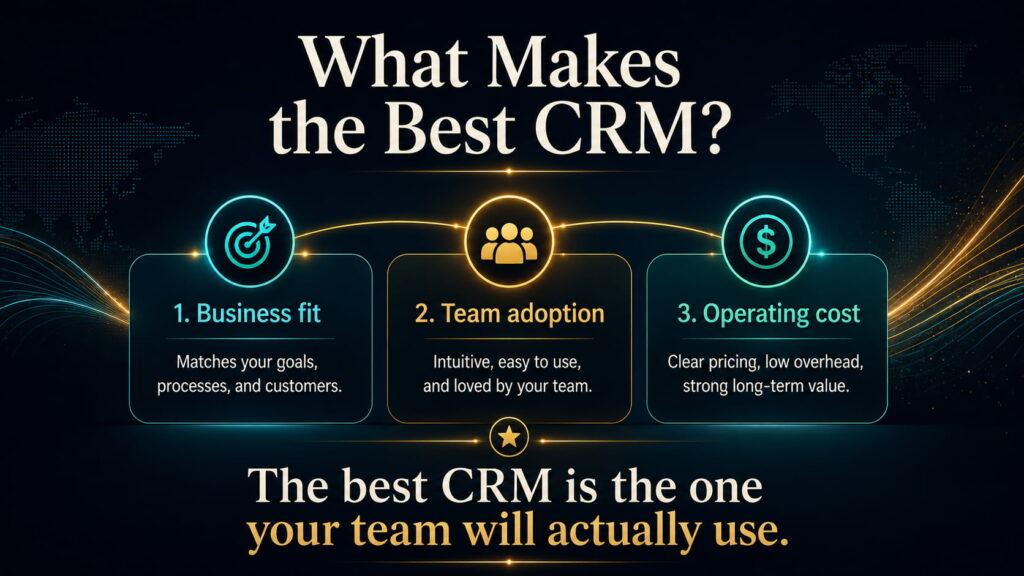
The longest feature list does not automatically make the best CRM.
The cheapest plan does not automatically produce the lowest operating cost.
And the platform with the greatest future capability is not necessarily the system your company needs today.
The better question is the one we should have asked from the beginning:
How does your business actually sell, what needs to happen reliably after a lead appears, and how much complexity are you prepared to operate to make that happen?
Once those answers are clear, choosing the CRM becomes considerably easier.